SDL3 GPU
Learning SDL3 GPU following https://github.com/RosyGameStudio/forge-gpu/tree/main/lessons/gpu
Code: https://gitlab.com/beedge19/sdl3gpuforge
02/21/2026
Implemented tutorials 1 and 2 - hello window and first triangle. I'm not using the SDL_main and callbacks like the tutorial has, instead am doing a single main game loop with classic SDL_PollEvent handling. The first program (window initialization) went smoothly and worked first try.
For the second program (first triangle), I found it was freezing up after like 3 frames and not displaying anything. I downloaded the original tutorial code and got the same result. The fix was to switch SDL_GPU_PRESENTMODE_VSYNC to SDL_GPU_PRESENTMODE_IMMEDIATE in the swapchain parameters. I also didn't embed the shader binaries into the code, and instead am loading them from file. The shaders I wrote in glsl and compiled using glslc, instead of using hlsl like the tutorial. The basic glslc usage is:
glslc -fshader-stage=vert -o 02FirstTriangle.vert.spv 02FirstTriangle.vert.glsl
glslc -fshader-stage=frag -o 02FirstTriangle.frag.spv 02FirstTriangle.frag.glsl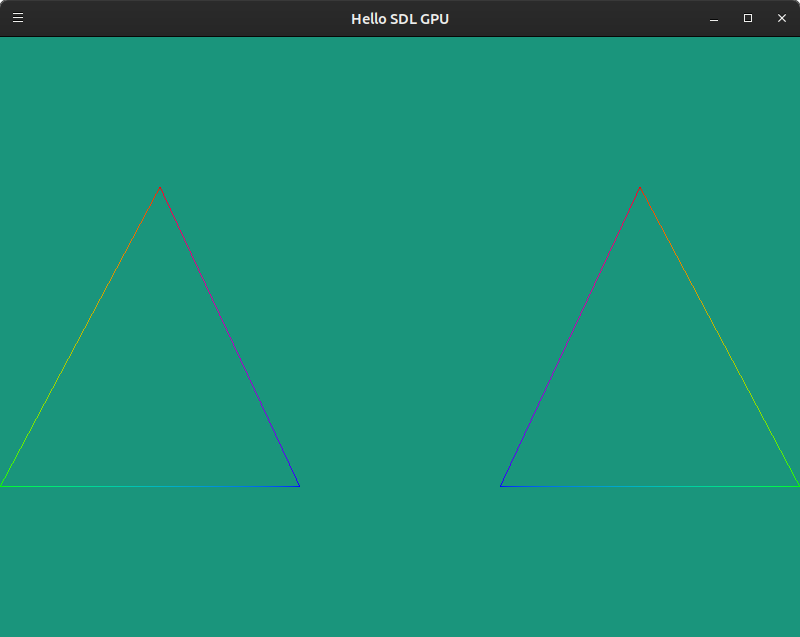
02/22/2026
Finished lesson 3 uniforms/rotating triangle. Built on Windows - had a CMake issue where it wasn't recognizing SDL3::SDL3 for the link libraries; changed just to SDL3. I confirmed the VSYNC issue on linux previously doesn't happen on Windows for me. Added a #ifdef _WIN32 to use VSYNC on windows for this case. I figured out how to implement the uniform in the glsl vertex shader looking at https://wiki.libsdl.org/SDL3/SDL_CreateGPUShader - the layout for uniforms needs to specify set = 1:
 layout (set = 1, binding = 0) uniform Uniforms {
        ...
To use glslc on Windows to compile the shaders, I was able to download the binary from https://github.com/google/shaderc/blob/main/downloads.md then used a batch script with a hard-coded path to the glslc executable.